
Desk Phones vs Softphones UK 2026: Choose the Right Device Mix for Business VoIP
Choose desk phones, softphones, mobile apps and headsets by user role, not habit.
A practical UK guide for deciding which VoIP devices your reception, sales, support, management, field and hybrid teams actually need before you buy hardware or licences.
Choose by role
Reception, sales, support, mobile and hybrid teams need different VoIP device decisions.
Desk Phones and Softphones Both Still Matter — For Different Roles
This guide helps UK businesses choose a practical VoIP device mix for fixed desks, hybrid teams, reception workflows, mobile staff and compliance-sensitive calling.
Reception Reliability
Use desk phones or consoles where fast transfer, shared visibility and fixed availability matter.
Hybrid Flexibility
Use softphones and headsets for laptop-first staff working between office, home and client sites.
Mobile Continuity
Use mobile VoIP apps where staff need business caller ID while moving between locations.
Cost Control
Avoid buying desk phones for users who rarely need physical hardware.
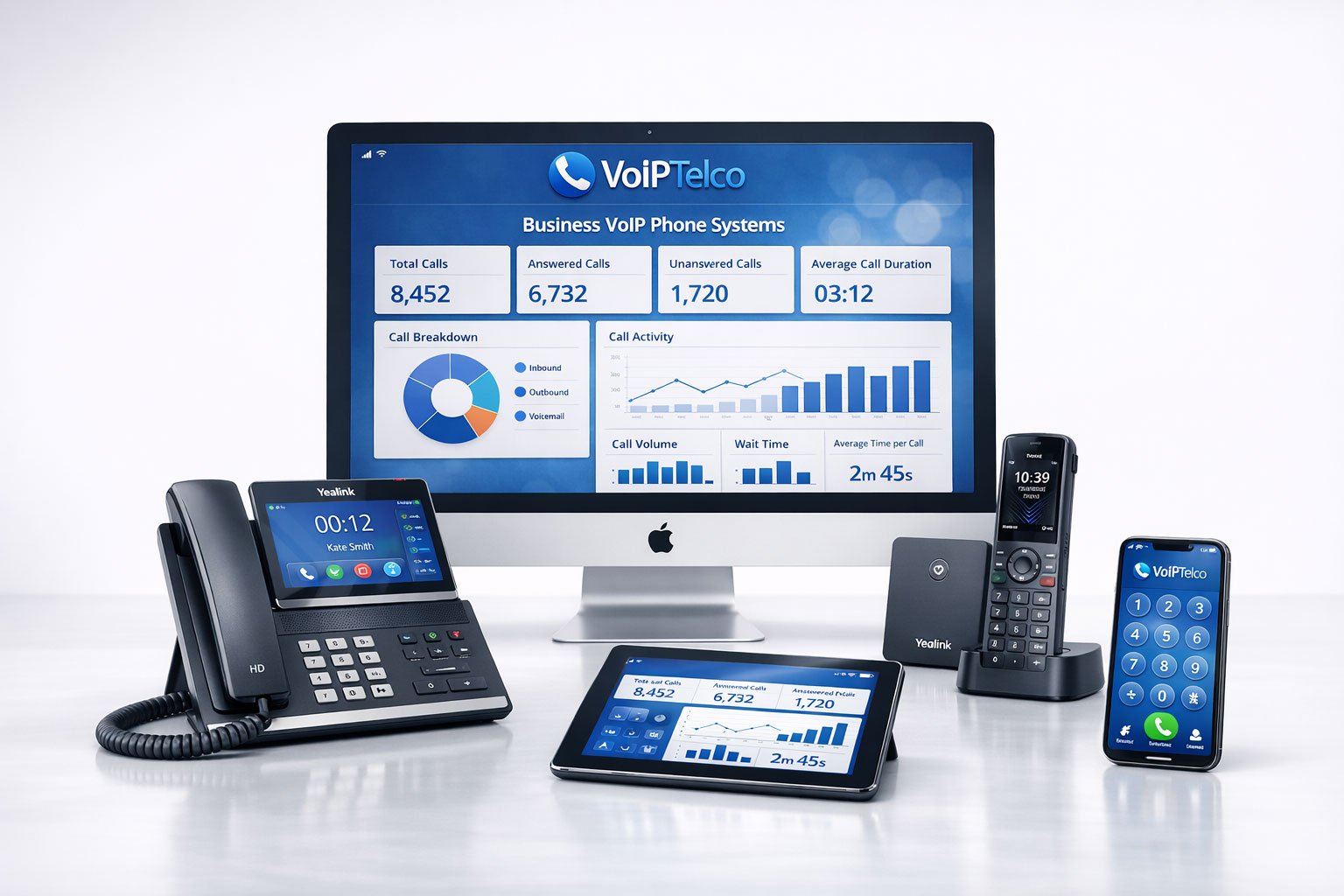
A reception user, remote consultant, warehouse supervisor, sales agent and practice manager all need different call controls. A good VoIP design starts with role mapping before hardware ordering.
Why the Desk Phone vs Softphone Decision Matters
The debate around desk phones vs softphones UK is often framed too simply. One side says physical phones are outdated. The other says softphones are unreliable. In practice, both views miss the point. Modern business VoIP is not about choosing one device for everyone. It is about giving each role the right way to answer, transfer, record, manage and recover calls.
A desk phone is still valuable where calls must be answered quickly and consistently from a known location. A softphone is powerful where staff move between office, home, client sites and shared workspaces. A mobile app helps field staff maintain business caller ID without exposing personal numbers. A headset can make more difference to call quality and user adoption than the phone platform itself.
The UK digital voice transition adds another reason to review device strategy. BT says analogue PSTN technology is being retired by the end of January 2027, with calls moving to Voice over IP over broadband. BT digital switchover guidance. That means many businesses are reviewing not only phone lines, but also the devices and workflows that sit behind those lines.
The wrong device mix creates avoidable problems: staff use personal mobiles, reception teams struggle with transfers, softphone users blame the system for cheap headsets, managers cannot see call activity, and old desk phones remain on desks even where users rarely make calls. The right mix improves response time, call quality, user confidence and long-term cost control.
Where Desk Phones Still Make Sense
Desk phones remain useful when fixed availability matters. Reception desks, clinics, dental practices, legal offices, care settings, warehouses, schools, branches, meeting rooms and shared work areas often need a visible device that anyone authorised can use. A dedicated handset reduces reliance on a laptop being open, a headset being charged or a user being signed into the right app.
Modern IP desk phones are not the same as old analogue handsets. They can support VoIP extensions, presence, transfer keys, shared line appearances, programmable buttons, headsets, power over Ethernet and central provisioning. For a front-desk team, those physical keys can still be faster than clicking around a laptop screen while a customer waits.
Desk phones also help with shared accountability. If a phone rings in reception, the team sees and hears it. If the same call is routed only to one user’s laptop app, the business may depend too heavily on that user’s device, presence state or headset setup. For customer-facing locations, the psychological reassurance of a dedicated business phone can still matter.
That does not mean every user needs a desk phone. Many desk phones sit unused because the employee now works through a laptop, Teams, CRM or mobile device. Buying handsets for every extension can waste money, increase support effort and make the system feel less modern than it is.
Where Softphones and Mobile Apps Work Better
A softphone is software that lets a user make and receive business calls on a computer, browser, tablet or smartphone. It usually works with a headset and can support features such as click-to-call, presence, call transfer, voicemail, call history, recordings, CRM screen pop and contact search.
Softphones are usually stronger for hybrid teams. A consultant working from home, a sales manager travelling between sites, an accounts team using laptops, or a support team working through CRM can keep business calling inside the same workflow they already use. This can reduce desk clutter, hardware spend and office dependence.
Softphones also make onboarding and device flexibility easier. New users can often be provisioned without waiting for physical handset delivery. Temporary staff, remote users and users who rarely make calls may not need dedicated desk hardware. This is particularly useful for growing SMEs that want a scalable phone system without buying devices for every future seat.
However, softphone success depends on the basics. A poor headset, weak Wi-Fi, overloaded laptop, unmanaged personal device or unclear user training can make a good VoIP platform feel bad. Businesses should not blame softphones until they have checked headset quality, network stability, device policy, user permissions and app configuration.
Role-Based Device Matrix for UK Businesses
The best starting point is a role matrix. Map how people work before deciding what they use.
| Role / Team | Best Starting Device Mix | Why It Works |
|---|---|---|
| Reception and front desk | Desk phone, headset, softphone backup | Fast answer and transfer controls with backup access if the desk is unattended. |
| Sales team | Softphone, headset, CRM integration, mobile app | Supports click-to-call, notes, call summaries and follow-up from wherever the salesperson works. |
| Customer support | Softphone or desk phone by queue role, headset, reporting | High call volume needs comfort, visibility, routing and quality review. |
| Directors and managers | Softphone, mobile app, optional executive desk phone | Gives flexibility while keeping a professional business caller ID. |
| Warehouse or workshop | Rugged/shared desk phone or cordless option | Shared fixed access can be more practical than laptop-based calling. |
| Hybrid office staff | Softphone and headset | A laptop-first workflow reduces hardware and supports remote working. |
| Healthcare or dental reception | Desk phone, headset, queue visibility, recording policy | Call access, confidentiality and repeatable workflows are more important than device minimalism. |
| Field staff | Mobile app with business number presentation | Lets mobile users place and receive calls without exposing personal numbers. |
Desk Phone, Softphone, Mobile App and Headset Route Table
This table gives a simple route decision before you order devices.
| Business Need | Recommended Device Route | Why It Matters |
|---|---|---|
| Reliable front-desk answering | IP desk phone plus headset | Gives fast physical controls and reduces dependency on one laptop or app session. |
| Hybrid and remote working | Softphone with business headset | Lets users answer calls from office, home or client sites using the same business number. |
| Mobile field teams | Mobile VoIP app | Keeps business caller ID and call control without using personal mobile numbers. |
| High call volume | Softphone or desk phone plus noise-controlled headset | Comfort, microphone quality and call controls matter more than device ideology. |
| Shared work areas | Shared desk phone or cordless IP device | Works where staff do not have assigned laptops or individual softphone seats. |
| AI call insight | Softphone/app route with recording and transcription controls | Makes call summaries, searchable transcripts and management review easier to operationalise. |
Why a Hybrid Device Strategy Is Usually Best
The strongest business VoIP deployments often combine devices. Reception might use a physical phone. Sales might use softphones. Field engineers might use mobile apps. Managers might use a laptop app with an optional executive handset. Meeting rooms might use dedicated audio devices. The phone system should make these endpoints behave like one managed communication environment.
This hybrid approach prevents two common mistakes. The first mistake is buying desk phones for every user because that is how the old PBX worked. The second mistake is removing all physical phones because softphones feel modern. A better strategy accepts that different roles have different call risks.
For example, a legal firm may use desk phones and headsets for reception and case administrators, softphones for solicitors working between office and home, and mobile apps for partners who travel. A dental practice may need desk phones for reception, softphones for managers reviewing call activity, and mobile failover for urgent operational continuity. A warehouse may need fixed shared devices in practical locations while office staff use laptop apps.
A hybrid device strategy also makes migration easier. You can begin with critical call-handling roles, then phase out unused hardware as user behaviour becomes clear. This is safer than forcing a device change across the business overnight.
Headsets, Wi-Fi and Network Quality Matter More Than People Think
Many softphone complaints are not really softphone problems. They are headset, Wi-Fi, device or network problems. A laptop microphone in an open office can sound poor. A cheap Bluetooth headset can introduce dropouts. Weak Wi-Fi can create jitter. A busy laptop can affect app performance. A router with poor configuration can damage call quality.
Business-grade headsets should be treated as part of the phone system, not an optional accessory. Staff who spend time on calls need comfortable wear, clear microphone pickup, noise reduction, reliable connectivity and easy mute/answer controls. Poor headset choice can damage customer experience even when the VoIP service itself is working correctly.
Network readiness also matters. Voice traffic is sensitive to delay, jitter and packet loss. A cloud phone system should be supported by suitable broadband, good Wi-Fi design, router quality, quality-of-service planning where relevant and mobile failover for critical users. For some sites, the right device decision may be impossible until connectivity has been reviewed.
Desk phones can help in offices because many can use wired Ethernet and Power over Ethernet, reducing reliance on Wi-Fi and laptop condition. Softphones can help remote teams because they avoid shipping desk phones to every location. The best answer depends on the network available to the user.
Microsoft Teams Phone, 3CX and App-Based Calling
Device choice also depends on the platform route. Microsoft Teams Phone, 3CX and cloud VoIP platforms all support different endpoint strategies.
Microsoft describes Teams Phone with Calling Plans as an all-in-the-cloud voice solution where Microsoft acts as the PSTN carrier. Microsoft Teams Calling Plans guidance. Teams-first businesses may want users to call from the Teams desktop and mobile apps, while shared devices, meeting rooms or reception areas may still need certified desk phones or dedicated call-handling setups.
3CX describes its Web Client as a browser-based app that combines calling, colleague status, video and messaging tools. 3CX Web Client guidance. It also supports app-based workflows and SIP hardware routes, which is useful for businesses that want a mixture of desk phones, browser calling and mobile access.
The device question therefore changes by platform. A Teams-heavy business should ask whether everyday users need physical phones at all, but should still assess reception, shared areas, emergency processes and staff who dislike app-first calling. A 3CX or SIP-led environment may support a wider range of IP phones, but requires more clarity on provisioning, security updates and support ownership.
Continuity, Emergency Calling and the 2027 Digital Voice Context
VoIP devices depend on power, broadband and configured services. Ofcom says VoIP-based technology will not function in a power cut unless additional measures are in place because broadband equipment needs mains power. Ofcom emergency access and power outage guidance. This matters when deciding whether desk phones or softphones are safer for a particular role.
A desk phone connected to an office network will fail if the router, switch or broadband is down unless backup power and connectivity are in place. A softphone on a laptop may continue during a local power interruption if the laptop has battery, but it still needs internet access. A mobile app may provide backup if mobile data works. No single device type guarantees continuity by itself.
The right continuity plan combines device choice with broadband resilience, UPS backup, mobile failover, accurate emergency-location details and staff training. Critical users should know what to do if the office internet is unavailable. Reception teams should know whether calls reroute to mobiles or another branch. Managers should know how to update routing if a site is closed.
This is also why PSTN migration should not be treated as a simple handset replacement. Before cancelling old lines, businesses should check whether analogue-connected services still exist and whether replacement devices are suitable for the new IP-based environment.
Security and Management Controls for Desk Phones and Softphones
Security is not automatically stronger because a device is physical or software-based. Desk phones can be centrally provisioned and locked down, but they can still be misconfigured, left signed in, exposed on the wrong network or used without appropriate permissions. Softphones can be convenient, but they require endpoint security, account controls, app updates and careful handling of personal devices.
Businesses should consider who can install calling apps, whether devices are company-managed, how users authenticate, whether MFA is available, how recordings are accessed, how call data is retained and what happens when an employee leaves. Shared devices need different rules from personal softphones. A front-desk phone may need restricted outbound permissions. A sales softphone may need CRM logging. A manager may need reporting but not full admin access.
Call recording and AI transcription add another layer. If calls are recorded, users need clear policies on recording notices, retention, access, export, deletion and lawful basis. Softphones can make recording and call summaries easier to use, but that convenience must be matched with governance.
Desk Phone vs Softphone Buyer Checklist
Use this checklist before ordering phones, licences or headsets.
Related VoIPTelco Guides
Use these guides to connect device choice with wider phone-system planning.
FAQs About Desk Phones vs Softphones
Are desk phones still needed with modern business VoIP?
Yes, desk phones are still useful for reception desks, shared work areas, warehouses, clinics, call-handling teams, meeting rooms and users who need reliable fixed devices. They are no longer required for every user, but they remain valuable in the right roles.
Are softphones better than desk phones for hybrid teams?
Softphones are usually better for hybrid and mobile users because they work on laptops, desktops and smartphones. They support flexible working, click-to-call, headsets and CRM workflows, but they depend on device quality, headset quality, network access and user discipline.
What is the best setup for reception teams?
Reception teams usually benefit from a dedicated desk phone or reception console, a professional headset, clear transfer controls, presence visibility, call queues and backup softphone access. This gives reliability while still allowing cloud routing and remote continuity.
Can a business use both desk phones and softphones?
Yes. A hybrid device strategy is often the strongest option. Use desk phones where fixed reliability and shared access matter, softphones for knowledge workers, mobile apps for field users and headsets for call-heavy roles.
Do softphones work during a power cut?
Softphones may work if the laptop or mobile device has battery power and a working internet connection such as mobile data. However, VoIP services can fail during broadband or power outages unless failover, backup power or alternative calling routes are planned.
Are desk phones more secure than softphones?
Not automatically. Desk phones can be easier to control as managed office devices, while softphones need endpoint security, strong passwords, MFA where supported, device policy and careful access management. Security depends on configuration, not only device type.
What headset should be used for softphone calling?
Use a business-grade USB or Bluetooth headset with noise control, good microphone quality and comfortable wear for long calls. Poor headsets are one of the main reasons users blame softphones for bad call quality.
How should we choose the right VoIP device mix?
Start by mapping user roles, call volume, working location, privacy needs, call recording requirements, reception workflows, emergency processes, network quality and budget. Then assign desk phones, softphones, mobile apps and headsets by role rather than buying one device type for everyone.
Get a VoIP Device Recommendation for Your Roles, Sites and Call Flows
Tell us how your teams answer calls today. VoIPTelco will help you decide where desk phones, softphones, mobile apps, headsets, Teams Phone or 3CX devices make the most sense.
- Match desk phones and softphones to real job roles.
- Plan headsets, call queues, transfer flows and mobile apps.
- Check broadband, Wi-Fi, power and failover before rollout.
- Build a device plan that supports AI call insight and future migration.
