
VoIP for Remote Teams UK 2026: Secure Business Calling for Hybrid Work
Keep customer calls visible, secure and professionally routed when staff work anywhere.
A practical UK guide to business VoIP for remote and hybrid teams, covering caller ID, softphones, mobile apps, routing, AI call summaries, CRM logging, security and failover planning.
Remote does not mean unmanaged
Keep caller ID, routing, recordings and follow-up inside the business phone system.
Remote VoIP Should Give Staff Flexibility Without Losing Business Control
This guide helps UK businesses design remote and hybrid calling with secure access, business caller ID, queue visibility, AI summaries, CRM logging and continuity planning.
Caller ID Control
Let staff call from anywhere while still presenting approved business numbers.
Call Visibility
Track missed calls, queues, voicemail, recordings and follow-up across remote users.
Secure Access
Protect remote calling with strong authentication, device policy and admin controls.
Continuity
Use mobile apps, overflow routing and failover rules when home broadband or power fails.
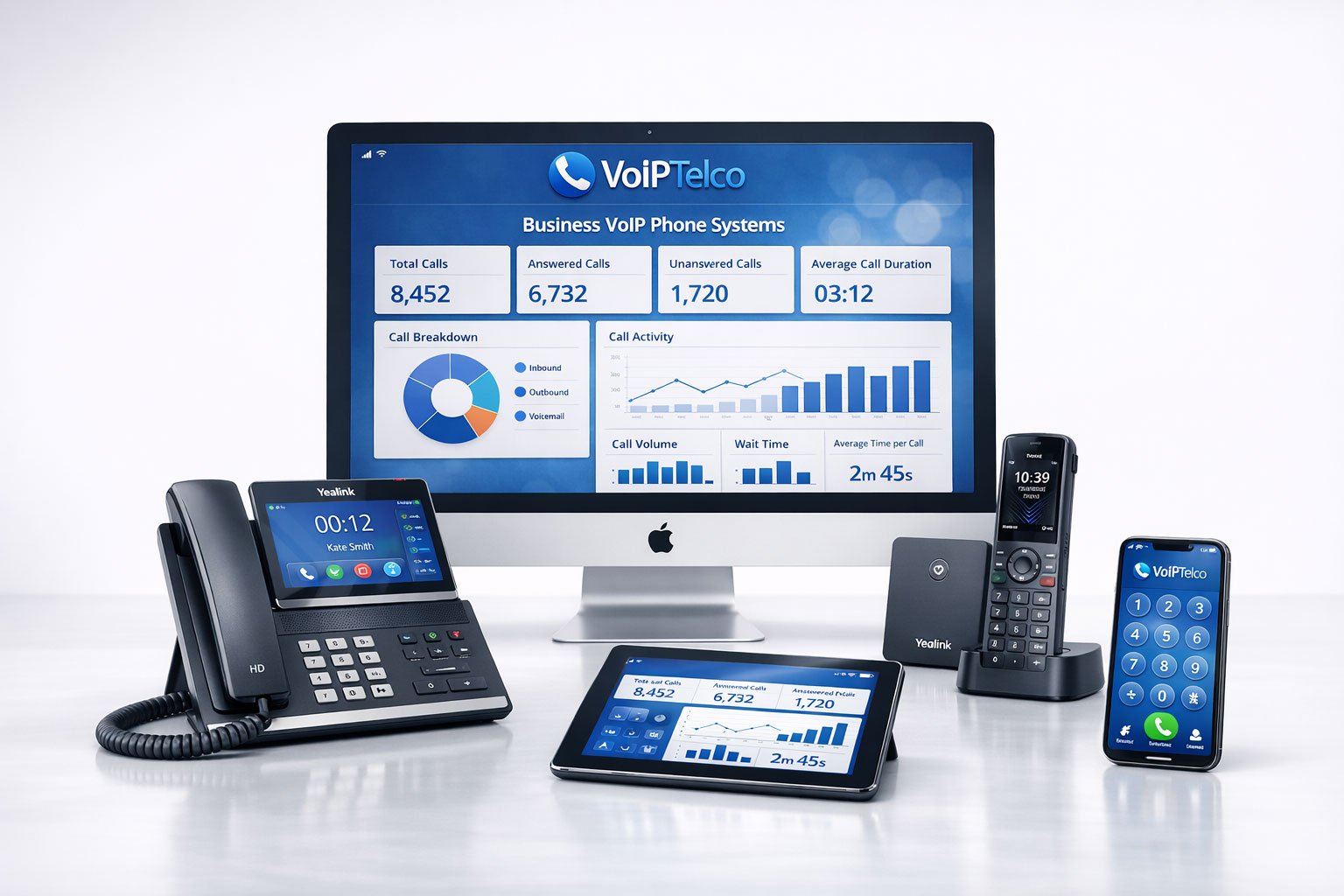
If staff use personal mobiles, unmanaged apps or isolated voicemail boxes, managers lose sight of missed calls, customer follow-up, recordings, service quality and caller experience.
The Remote Calling Problem Most Businesses Miss
Remote and hybrid working changed business calling faster than many phone systems changed. A team may now work across the office, home, client sites, shared workspaces and mobile locations. Yet many businesses still route calls as if everyone sits beside the same PBX. Others went too far in the opposite direction and allowed staff to answer customers from personal mobiles, personal voicemail, unmanaged WhatsApp calls or disconnected apps.
The result is not only a technical problem. It becomes an operational visibility problem. Nobody can easily see who answered which customer, how many calls were missed, whether voicemail was followed up, whether the right business number was used, whether calls should have been recorded, or whether a complaint was handled properly.
A remote team phone system should solve this by placing all approved users inside one controlled business communications environment. Staff can work from different locations, but the company should still manage numbers, routing, caller ID, call queues, voicemail, recordings, reporting, access permissions and continuity rules.
This guide focuses on remote call governance rather than only “working from home”. It explains how to use cloud VoIP, softphones, mobile apps, Teams Phone, AI call summaries and CRM logging without losing control of customer communication.
What a Remote Team VoIP Setup Needs
A good remote VoIP setup is not simply an app on a laptop. It is a complete operating model for business calls. It should include approved users, controlled numbers, business caller ID, queue design, softphones, mobile apps, headset standards, voicemail rules, call recording policy, reporting, access controls and support ownership.
The system should also recognise that remote users have different environments. Some work from fibre broadband at home. Some use mobile data. Some work from shared Wi-Fi. Some use company laptops. Others use personal mobiles. Some speak to customers all day, while others only need occasional outbound calls. A one-size-fits-all setup will either be too expensive or too weak.
Remote VoIP also has to account for emergency access and resilience. Ofcom notes that calls over broadband using VoIP-based technology will not function in a power cut unless additional measures are in place because broadband equipment needs mains power. Ofcom power outage guidance. That means remote call planning should include backup routing, mobile failover and clear instructions for critical users.
Remote Team VoIP Route Table
Use this table to match remote working needs to the right VoIP route before choosing packages or devices.
| Remote Team Need | Recommended Starting Route | Why It Matters |
|---|---|---|
| Answer calls from home and office | Cloud VoIP softphone with business headset | Keeps business caller ID and call handling inside one managed system. |
| Mobile staff on the road | Mobile VoIP app with business number presentation | Prevents personal mobile numbers becoming the customer contact route. |
| Microsoft-first organisation | Teams Phone with the right PSTN route | Brings external calling into the Microsoft 365 working environment. |
| Remote sales follow-up | VoIP with CRM integration and AI call summaries | Turns calls into follow-up tasks, notes, transcripts and pipeline visibility. |
| Distributed support team | Cloud call queues, reporting and recording controls | Gives managers visibility of missed calls, queue pressure and service quality. |
| Continuity during site disruption | Failover routing to mobile apps, other users or branches | Keeps calls moving when a location, router or broadband service is unavailable. |
Remote Team Role Matrix
Remote VoIP should be assigned by role, not by job title alone. A remote salesperson, practice administrator, director, finance user and support agent may all work from home, but their call requirements are different.
| Remote Role | Best VoIP Setup | Management Priority |
|---|---|---|
| Sales users | Softphone, headset, mobile app, CRM logging, AI summaries | Fast follow-up, pipeline notes, call outcome visibility and professional caller ID. |
| Support users | Queue membership, headset, recording policy, call outcome tags | Service levels, missed calls, repeat issues and quality assurance. |
| Directors | Mobile app, softphone, executive routing and assistant coverage | Reachability without exposing personal numbers or bypassing the business system. |
| Finance and admin | Softphone, secure device policy, restricted recording access | Confidentiality, call notes, authorised access and clear voicemail routing. |
| Remote reception | Softphone or desk phone, queue view, transfer controls, backup user | Fast answer, accurate transfer, presence awareness and continuity if unavailable. |
| Field staff | Mobile app, caller ID control, simple voicemail and escalation | Business identity, mobility and reliable overflow when staff are on site. |
Business Caller ID and Number Control
One of the biggest remote-team risks is caller ID fragmentation. A customer may receive a call from one employee’s personal mobile, a branch number, a withheld number, a random app number or the main office line. That confusion can reduce answer rates, weaken brand trust and make follow-up harder.
A cloud VoIP system lets the business decide which number users present when calling out. Sales users may present the main sales number. Support users may present a helpdesk number. Directors may present the main office number while still calling from a mobile app. Remote users can answer inbound calls without revealing their personal phone numbers.
Good caller ID design also protects continuity. If an employee leaves, the customer relationship should remain with the business, not with a personal mobile number saved in the customer’s contacts. Calls should return to shared business numbers, queues, departments or CRM records.
For regulated or service-sensitive businesses, this also supports governance. It becomes easier to know which business number was used, whether the call was recorded, whether a callback happened, and whether customer communication stayed inside approved systems.
Call Routing and Management Visibility for Remote Teams
Remote work makes call routing more important because physical visibility disappears. In an office, a manager can see if reception is busy. In a remote setup, call pressure is invisible unless the phone system reports it. That is why queues, ring groups, missed-call alerts, voicemail notifications and reporting dashboards matter.
A remote VoIP design should answer practical questions: who answers the main number, what happens if nobody answers, who covers lunch breaks, how are after-hours calls handled, how are VIP customers routed, and how does a manager know whether a team is overloaded?
Managers should monitor outcomes rather than constantly watch individuals. Useful indicators include missed calls, answer time, call volume by queue, repeat callers, voicemail volume, call duration, abandoned calls, call transfers and follow-up completion. This creates operational visibility without turning remote working into constant surveillance.
VoIPTelco’s preferred approach is to build routing around customer journeys. A customer should not need to know whether the person answering is in Leicester, London, Southampton, Manchester, home, office or on a mobile device. The routing should make the business feel consistent.
AI Call Summaries, CRM Logging and Follow-Up
Remote teams often lose the casual office handover. A salesperson finishes a call at home. A support agent handles a complaint from a different location. A manager joins later and cannot hear what happened unless notes were written properly. AI call summaries and CRM logging can reduce that gap.
AI features should not be used as a novelty. They should solve a workflow problem. For remote teams, useful AI includes call summaries, action items, searchable transcripts, sentiment signals, keyword spotting, missed-call analysis and conversation insights. These features can help managers understand customer demand without asking every user for manual updates.
CRM integration is equally important. A call should ideally connect to the customer record, lead, ticket, appointment or account. That can help remote teams avoid duplicate follow-up, missed promises and lost context. For sales teams, it supports pipeline discipline. For support teams, it supports ticket quality. For professional services, it supports client continuity.
The key is governance. Decide who can access recordings and transcripts, how long they are retained, whether sensitive teams need different rules, and how AI-generated notes are reviewed. AI is useful only when the business trusts the process behind it.
Security Governance for Remote VoIP
Remote VoIP security is part account security, part device security and part operational process. A remote user may sign in from a laptop, mobile app or browser. That makes identity and device trust more important than in a single-office PBX model.
The UK National Cyber Security Centre recommends multi-factor authentication for corporate online services and emphasises using stronger methods that protect against phishing attacks. NCSC MFA guidance. For VoIP, this supports a wider rule: remote calling access should not depend only on a reused password.
Businesses should define who can use softphones, whether personal devices are allowed, how devices are offboarded, whether call recording is restricted, which users can change routing, and whether administrators use separate privileged accounts. A user leaving the company should lose phone-system access as reliably as email access.
Security also includes fraud control. VoIP accounts can be abused if credentials are compromised. Strong passwords, MFA where available, call permissions, international call restrictions, alerting and provider monitoring all help reduce risk.
Continuity, Broadband and Mobile Failover
A remote team phone system must assume that individual users will sometimes lose broadband, power, laptop access or mobile signal. The question is not whether outages happen; the question is whether the business has routing rules when they do.
For critical inbound numbers, calls should not depend on one remote user. Use ring groups, queues, overflow users, voicemail-to-email, mobile app failover, branch failover or out-of-hours routing. For high-value sales enquiries, missed-call alerts can trigger quick callbacks. For support, queue reports can show when service levels are under pressure.
The PSTN migration context matters here too. BT Business says businesses should move from PSTN to All-IP before the network shuts down in January 2027. BT PSTN switch-off guidance. As calls become broadband-based, continuity planning becomes part of phone-system design rather than an optional IT extra.
Remote workers should also have clear instructions for emergency calling. If a softphone cannot work because broadband is down, staff need to know whether to use a mobile phone directly, another branch, a backup app or another approved route. Critical roles may need mobile data backup or company-managed mobile SIMs.
Microsoft Teams Phone for Remote Teams
Microsoft Teams Phone can be attractive for remote teams because many staff already use Teams for meetings and collaboration. Adding external calling into the same interface can reduce app switching and make remote adoption easier. Microsoft lists PSTN connectivity options for Teams Phone including Calling Plans, Operator Connect and Direct Routing. Microsoft Teams PSTN connectivity guidance.
The important buyer point is that Teams Phone is not just a button you turn on. You still need to decide who provides PSTN connectivity, how numbers are ported, how call queues work, how reception handles calls, how emergency-location data is managed, whether call recording is needed, and who supports issues when they involve Microsoft 365, the PSTN provider, broadband or user devices.
Teams Phone can work well for Microsoft-first businesses, but it should be compared against dedicated cloud VoIP platforms, 3CX, SIP routes and contact-centre-led systems. The best route depends on whether the business needs deep Teams integration, advanced call handling, CRM workflow, AI summaries, reception controls or simpler managed VoIP.
Remote Team VoIP Checklist
Use this checklist before moving remote and hybrid users to a new phone system.
Related VoIPTelco Guides
Use these guides to connect remote working with wider VoIP planning.
FAQs About VoIP for Remote Teams
What is the best VoIP setup for remote teams?
The best VoIP setup for remote teams is usually a managed cloud phone system with softphones, mobile apps, business caller ID, call queues, voicemail, reporting, secure user access, headset standards and failover rules. The exact setup depends on roles, call volume and compliance needs.
Can remote staff use the business number from home?
Yes. A cloud VoIP platform can let remote staff make and receive calls using approved business numbers from a desktop app, mobile app, browser phone or compatible device. This keeps caller ID professional and avoids exposing personal mobile numbers.
How do managers monitor remote team calls without micromanaging?
Managers should monitor service-level indicators such as missed calls, call volumes, queue times, recordings, call outcomes, follow-up notes and customer experience. AI summaries and searchable transcripts can help review quality without constant live supervision.
Is VoIP secure for remote workers?
VoIP can be secure for remote workers when accounts, devices and networks are managed properly. Use strong authentication, role-based access, device policy, call recording controls, admin permissions, encryption where supported, and clear offboarding processes.
Do remote teams need desk phones?
Most remote teams do not need desk phones for every user. Softphones and mobile apps are usually more flexible. However, some fixed home-office users, reception roles or call-heavy teams may still benefit from a dedicated IP phone or business headset.
What happens if a remote worker’s broadband fails?
The phone system should have failover rules, such as routing calls to a mobile app, another colleague, voicemail, another site or an overflow queue. Critical users should have mobile data backup or alternative calling arrangements.
Can VoIP integrate with CRM for remote teams?
Yes. Many cloud phone systems can integrate with CRM or helpdesk tools for click-to-call, contact matching, call notes, recordings, transcripts and follow-up workflows. Integration quality depends on the chosen platform and CRM.
How should a business start moving remote teams to VoIP?
Start by mapping users, numbers, call flows, devices, headsets, broadband, security requirements, CRM workflows and out-of-hours routing. Then pilot the setup with a small remote group before rolling it out across the organisation.
Plan a Remote Team VoIP Setup That Keeps Calls Visible, Secure and Professional
Tell us how your remote and hybrid staff answer calls today. VoIPTelco will help you design caller ID, routing, mobile apps, softphones, AI insight, CRM logging and failover around your working model.
- Keep customer calls inside approved business numbers and queues.
- Support laptops, mobiles, Teams Phone, 3CX or cloud VoIP apps.
- Add AI call summaries, CRM logging and manager visibility.
- Plan broadband, power and mobile failover for remote staff.
